Material Requests
Capture what teams need before committing spend.
Connect requests, supplier choices, purchase orders, receipts, and invoices so procurement teams can buy with clear approvals and complete history.
WerkIQ Buying
WerkIQ Buying gives requesters, buyers, approvers, warehouses, and finance a shared view of what is needed, what was ordered, what arrived, and what remains to be paid.
How it works
Each step stays connected, so information moves forward without re-entry, hidden handoffs, or separate spreadsheets.
Capture what teams need before committing spend.
Request forms
Keep supplier information, history, and terms organized.
Supplier directory
Turn approved requirements into controlled orders.
Order creation
Match what was ordered with what arrived and what was billed.
Goods receipts
See it in action
Explore the screens your teams use every day—from overview and planning to the records that keep work accountable.
Capture what teams need before committing spend.
Capture what teams need before committing spend.
Keep supplier information, history, and terms organized.
Turn approved requirements into controlled orders.
Match what was ordered with what arrived and what was billed.
Keep purchasing within budgets, policies, and authorized limits.
Understand supplier spend, lead times, and open commitments.
Automate
Reduce manual follow-up from request through payment.
Reports Include
Use purchasing data to negotiate better and plan with confidence.
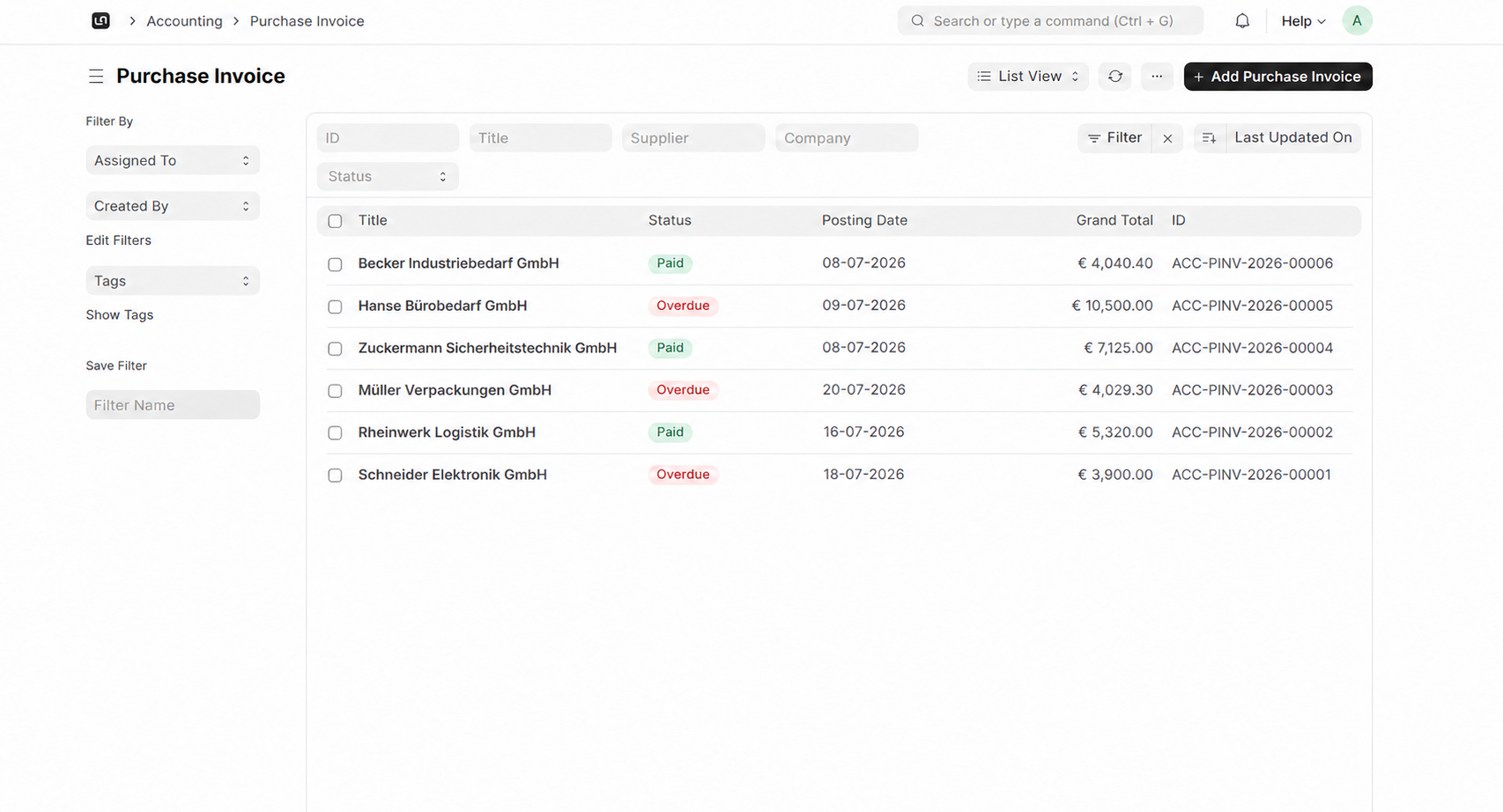
Follow each purchase from request to receipt and invoice.
Make sure the right people review spend before orders are placed.
Keep supplier terms, history, and performance close to every buying decision.
Connect receipts and invoices to payables and accounting.
Buy based on demand, stock levels, and upcoming requirements.
Maintain the approvals and documents behind every purchase.
Connect buying with inventory, accounting, projects, and suppliers.
Swipe or use arrows to browse integrations
Features
Control requests, orders, receipts, and invoice approvals.
Yes. Teams can submit material requests that move through approval before a purchase order is created.
Connect requirements, suppliers, orders, receipts, invoices, and approvals in one buying workflow.